Online Customer Service (OCS) Online User Guide
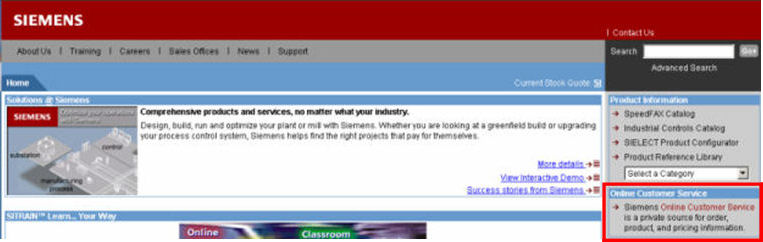
Siemens Online Customer Service is a private source for order, product, and pricing information. To access Online Customer Service (OCS), click the Online Customer Service link on the right navigation panel of the Siemens Internet. The Siemens Internet Web address is: http://www.sea.siemens.com/index.html.
Click the Online Customer Service link to access the Login screen.
The Login screen is shown below:
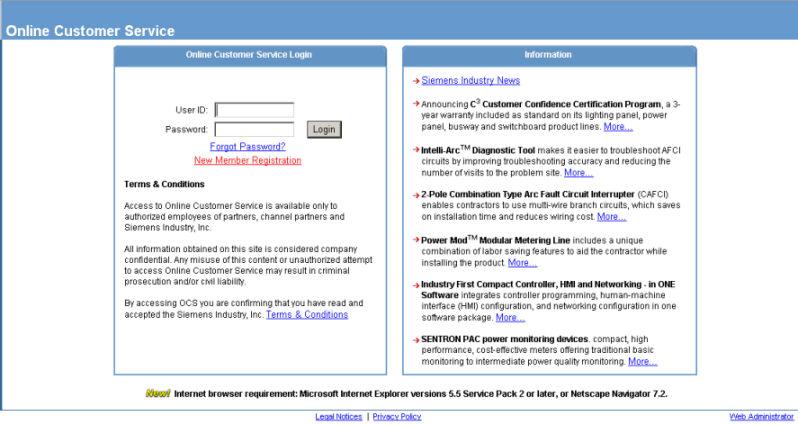
Enter your user id in the User ID field and your password in the Password field. Click on Login.
If you have not entered a valid e-mail in your OCS user profile, the Update Email address screen appears.

Enter a valid e-mail address in the Email Address field and re-entered the e-mail address in the Confirm Email Address field. Click on Continue. Your OCS user profile will be updated with the new e-mail address you entered.