Industry Mall Online User Guide
To open the Delimited text file using WinZip, double-click on the zipped .txt file.

Below is an example of a file opened in Notepad with the open brace ‘{‘ delimiter. Save the extracted file by clicking the File menu and selecting Save As…. Remember the file location and name for importing into Microsoft Excel.

Launch Microsoft Excel and click File and Open… Go to the directory and folder where you saved the extracted price file. In the Files of type: drop-down list, select Text Files to display all .txt files. Select the file and click Open.

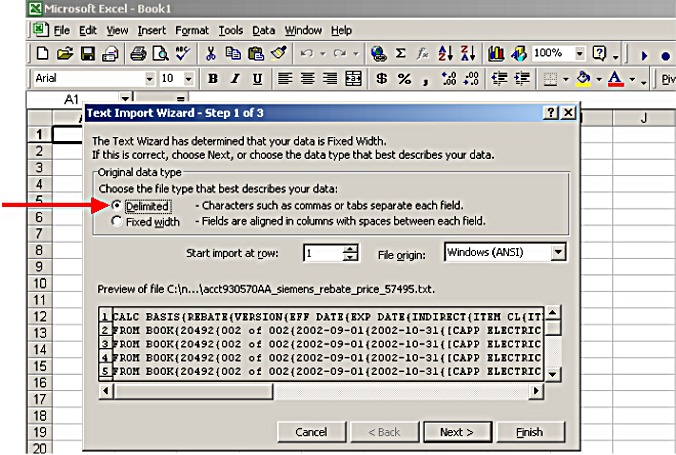
After opening the file, the Text Import Wizard appears automatically to open the .txt file in Excel. Choose Delimited and click Next>.
Select Other and type an open brace { in the box. Click Finish.

The file will look like the example below with Rebate Price in Column L. Expand the column widths to display all information. Click the File menu and select Save As… In the file type select Microsoft Excel.
